

See what Pokémon cards actually sell for
Real sold prices. Not asking prices. Not estimates.
Buying? Don't overpay. Selling? Don't undersell.
1,900+ card searches in the last 30 days
What's selling right now
Updated dailyMost searched cards right now. See what they actually sold for.
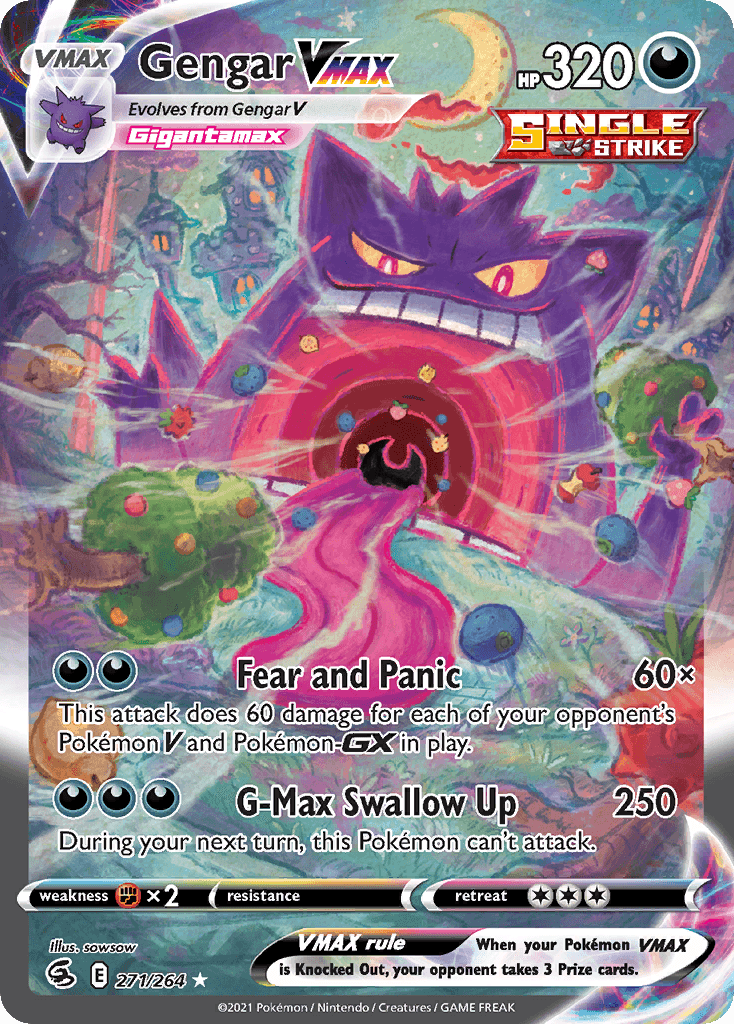
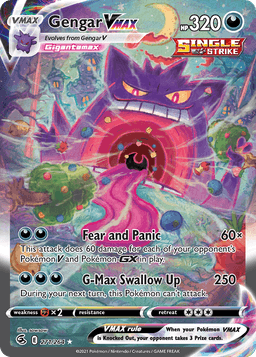
Gengar VMAX #271/264
Fusion Strike
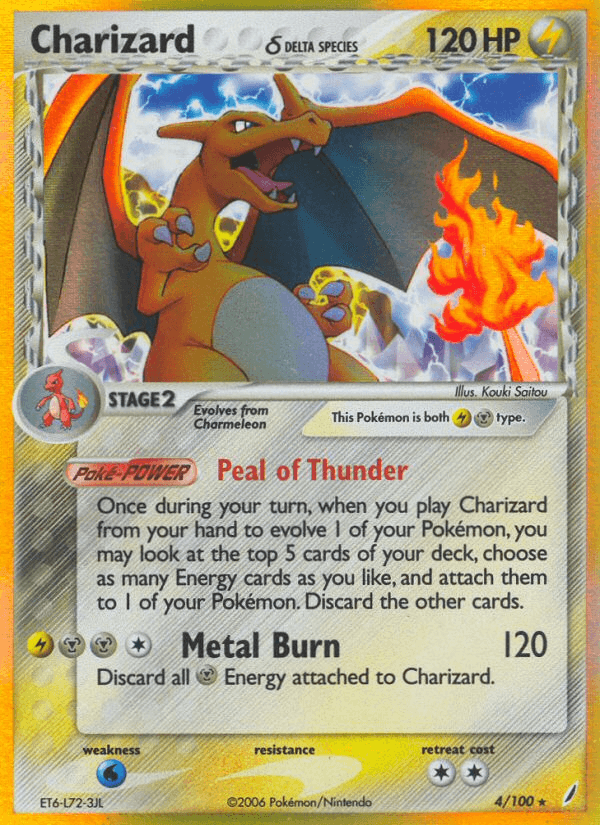
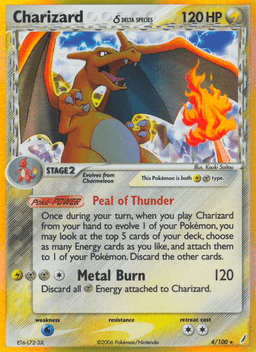
Charizard δ #4/100
Crystal Guardians
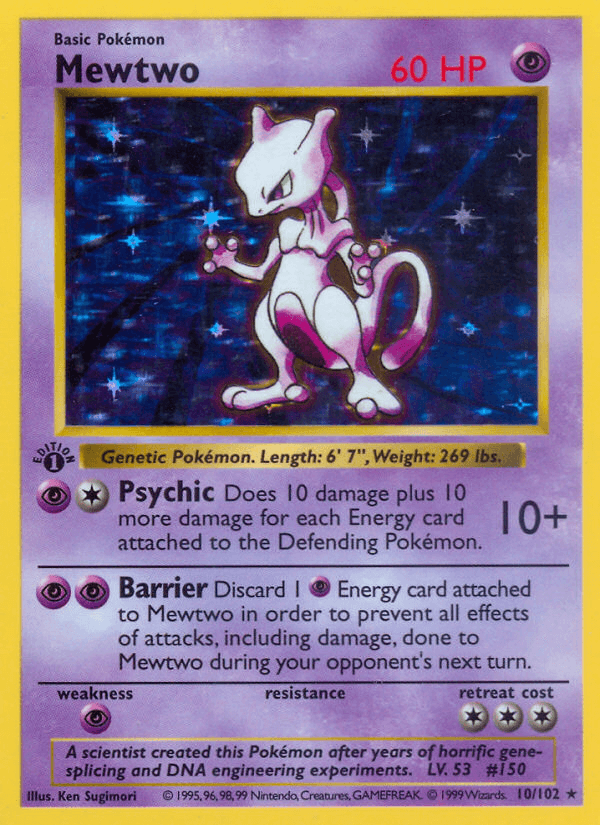
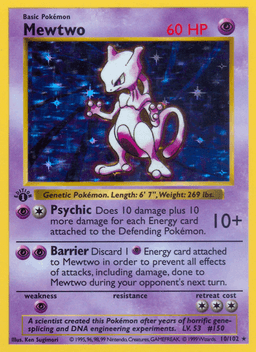
Mewtwo #10/102
Base
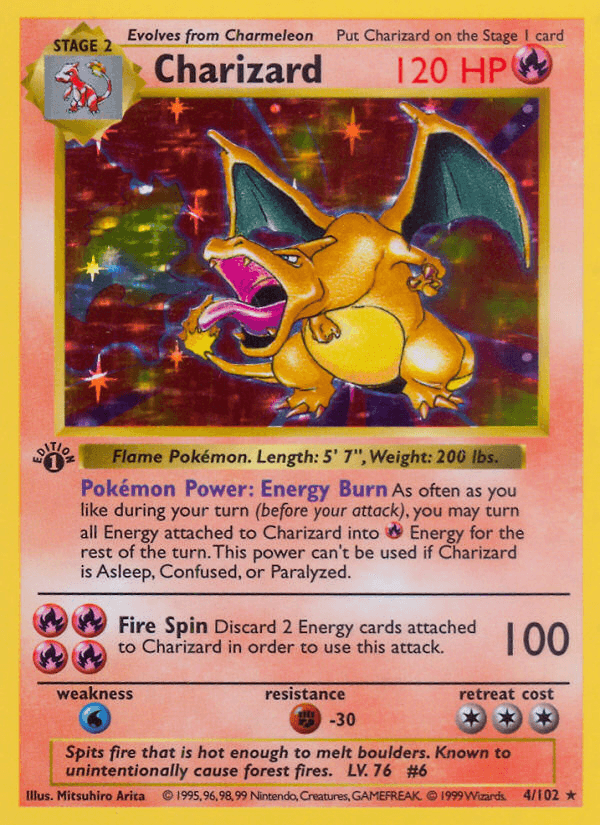
Charizard #4/102
Base
Want price alerts when these move? Create a free account.
How it works
From search to alert in three steps.
Search a card
Type a name or scan it with your camera. We resolve the exact set and number.
See real sold comps
Get the median of recent sold listings: real transactions, not asking prices.
Track or get alerted
Save it to your watchlist and get pinged the moment the price crosses your target.
Priced by real sales. Not guesses.
Based on what cards actually sold for.
Real sold-price data. Updated automatically. Not affiliated with or endorsed by Pokémon or any related trademark holders.
Start free. Upgrade when you're ready.
Two plans. Pick the one that fits how you collect.
| What you get | Starter Free | Collector $9.99/mo |
|---|---|---|
| Searches on saved data | Unlimited | Unlimited |
| Scan a card with your camera | ||
| Fresh market data pulls | 5 / month | 100 / month |
| Recent sold listings | 5 unlocks / mo | All (up to 8), always visible |
| Price history | 30-day | 30 / 60 / 90-day |
| Watchlist | Up to 10 cards | Unlimited |
| Price alerts | Up to 3 | Unlimited |
| Manual refresh per card | 5 / day |